
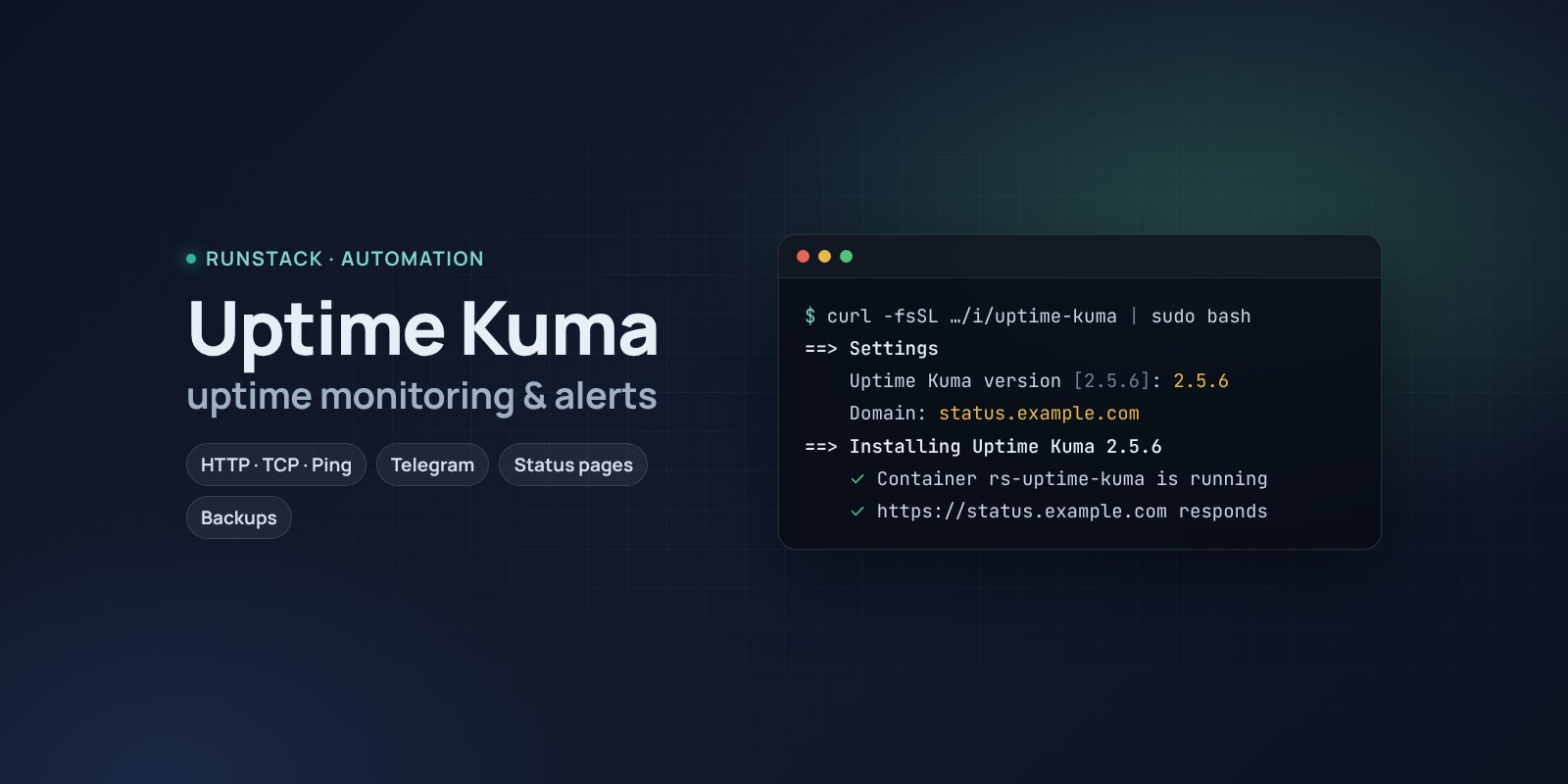
Uptime Kuma — uptime monitoring with alerts
Uptime Kuma in one command: HTTP, TCP, ping, DNS and certificate checks, alerts to Telegram and email, status pages, HTTPS, backups.
 Ubuntu
 Debian
 Docker
The site went down at night and you learned about it from customers in the morning. The certificate expired on Friday evening. Sounds familiar?
Uptime Kuma checks your sites and services every 20–60 seconds and tells you right away in Telegram, email, Slack or 90+ other services when something does not answer. It shows response times and history, warns about expiring certificates and makes nice public status pages.
What you get
- Uptime Kuma 2.5.6 — the latest stable version. SQLite is set up right away, no wizard.
- Checks: HTTP(s) and page keywords, TCP ports, ping, DNS, certificate expiry, push checks for cron jobs.
- Alerts to Telegram, email, Slack, Discord, Mattermost and 90+ other services.
- Status pages for your customers on your domain.
- Your own address with HTTPS — a Let's Encrypt certificate is issued and renewed automatically.
- Backups with one command — a consistent database copy in a couple of seconds, the last 14 kept.
- Access from your IPs only — office, VPN.
Who it is for
- Site and shop owners who want to know about downtime first.
- Admins and DevOps: dozens of services, ports and certificates watched in one window.
- Anyone who wants to show customers an honest status page.
How to install
- Prepare a server with Ubuntu or Debian. Point a domain's A record, e.g.
status.example.com, at the server's IP. - Copy the command from the Download block — it appears after you sign in. It contains your personal token, valid for 12 hours.
- Run it on the server and answer the questions:
Language / Язык (en / ru) [en]: en
Uptime Kuma version (latest stable: 2.5.6) [2.5.6]:
Install directory (data, settings, backups) [/opt/uptime-kuma]:
Mode: public — your domain with HTTPS (Let's Encrypt), local — a port on this server for your own proxy (public / local) [local]: public
Domain (its A record must point to this server): status.example.com
Email for Let's Encrypt: admin@example.com
Allow only these IPs/subnets:
- Create the admin right away: open
https://status.example.com. Until then, the first visitor becomes the admin. - Add the first monitor (Add New Monitor → a site URL) and a notification (Settings → Notifications → Telegram).
System requirements
| Minimum to run | With headroom | |
|---|---|---|
| OS | Ubuntu 22.04 / 24.04, Debian 12+ | Ubuntu 24.04 |
| CPU | 1 vCPU, amd64 or arm64 | 1–2 vCPU |
| Memory | 512 MB | 1 GB |
| Disk | 5 GB | 10 GB |
Uptime Kuma publishes no hardware requirements — the figures are ours, the installer checks the minimum. The database grows with the number of monitors and history retention (Settings → Monitor History). Run monitoring on a different server than what it watches — otherwise it goes down together with it.
- Root access (
sudo). Docker is installed automatically. - Domain mode: an A record pointing at the server and free ports 80 and 443.
- Access to Docker Hub. If it is blocked, add a mirror:
RS_REGISTRY_MIRROR=https://mirror.gcr.io.
Day-to-day commands
rs uptime-kuma status                  address, version and available update, backups
rs uptime-kuma backup                  backup to /opt/uptime-kuma/backups (the last 14 kept)
rs uptime-kuma upgrade [version]       backup → new version
rs uptime-kuma access "203.0.113.10"   allow only these IPs (off — remove)
rs uptime-kuma stop | start            stop / start
rs uptime-kuma down                    remove the containers, data stays
rs uptime-kuma purge                   full removal step by step, backups are never deleted
Running the installer again is safe: data, keys and the version are kept. All commands and common errors are in the wiki.
FAQ
How much is it? The installer is free for now. Uptime Kuma is open source under the MIT license.
Can it watch Docker containers? Yes, with a Docker Container monitor, but it needs /var/run/docker.sock — not mounted by default: that is full access to the host's Docker.
How do I watch cron jobs? A Push monitor: the job calls a URL after a successful run, and if the signal does not come you get an alert.