
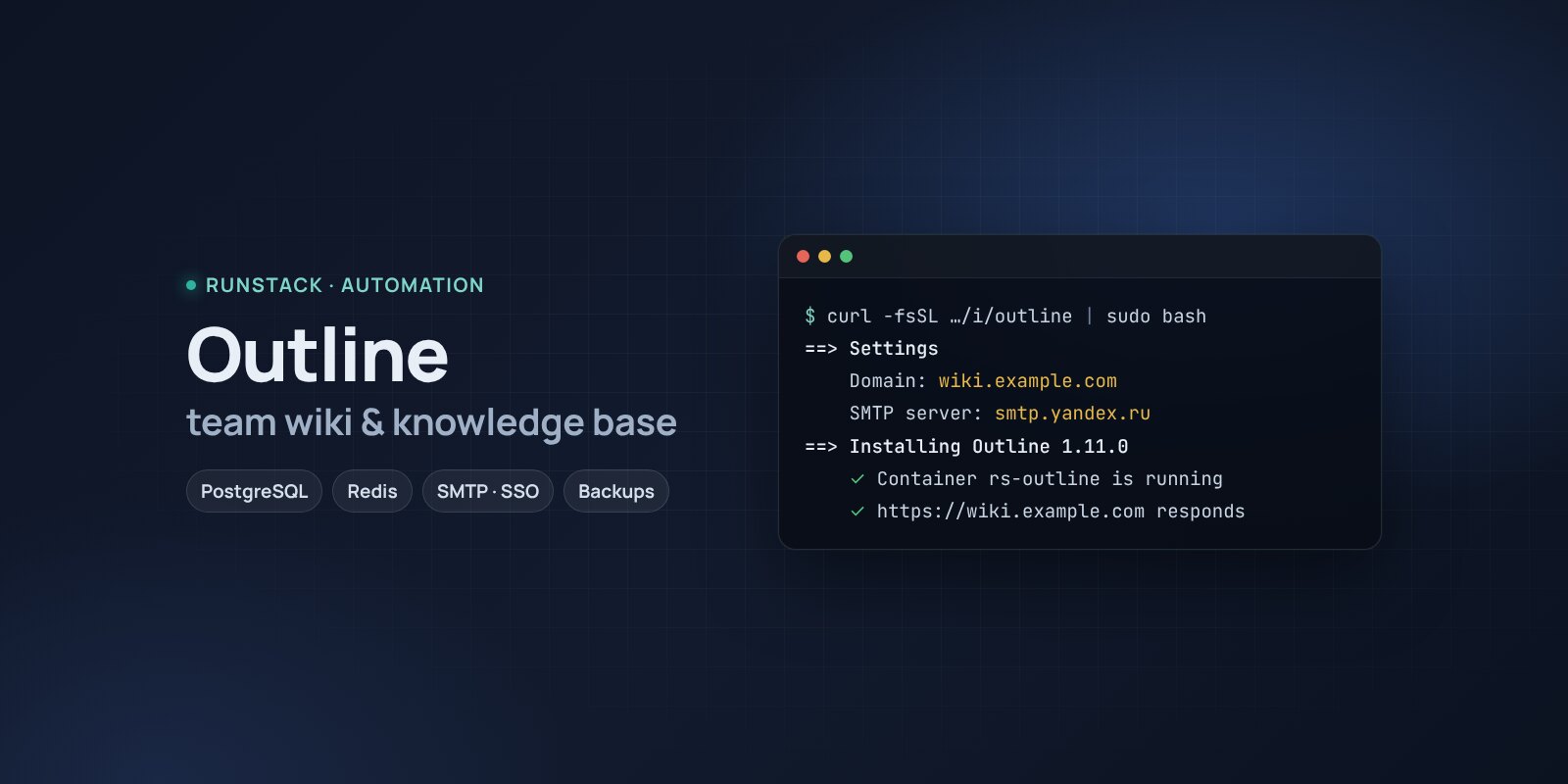
Outline — team wiki and knowledge base on your own server
Outline in one command: a wiki with real-time co-editing, Markdown, search, import from Notion and Confluence. PostgreSQL, Redis, HTTPS, email or SSO sign-in, backups.
 Ubuntu
 Debian
 Docker
Policies in Google Docs, how-tos in chats, knowledge in people's heads. A newcomer spends a week finding things. Notion and Confluence get pricier.
Outline is a fast, beautiful wiki for teams: document collections, real-time co-editing, Markdown and shortcuts, instant search, comments, history, public links to documents. On your own server — the data is yours.
What you get
- Outline 1.11.0 — the latest stable version, with PostgreSQL and Redis. Database migrations run by themselves.
- Sign-in by email link — set up email (SMTP) and no passwords are needed. Or connect SSO via OpenID Connect: Keycloak, Authentik, Google Workspace.
- Files and images are stored on the server's disk, no cloud storage needed.
- Your own address with HTTPS — a Let's Encrypt certificate is issued and renewed automatically.
- Keys are generated and stored; the interface language follows your answer.
- Backups with one command — database dump, attachments and keys in one archive, the last 14 kept.
- Access from your IPs only — office, VPN.
Who it is for
- Teams moving off Notion or Confluence that want to keep knowledge in-house.
- Policies, onboarding, product and infrastructure documentation.
- Those who want Markdown and speed rather than a database builder.
How to install
- Prepare a server with Ubuntu or Debian. Point a domain's A record, e.g.
wiki.example.com, at the server's IP. - Copy the command from the Download block — it appears after you sign in. It contains your personal token, valid for 12 hours.
- Run it on the server and answer the questions:
Language / Язык (en / ru) [en]: en
Outline version (latest stable: 1.11.0) [1.11.0]:
Install directory (data, settings, backups) [/opt/outline]:
Mode: public — your domain with HTTPS (Let's Encrypt), local — a port on this server for your own proxy (public / local) [local]: public
Domain (its A record must point to this server): wiki.example.com
Email for Let's Encrypt: admin@example.com
Allow only these IPs/subnets:
Send email (sign-in links, invitations)? Needed to sign in again later — no: only the first session (yes/no) [yes]:
SMTP server (e.g. smtp.yandex.ru): smtp.gmail.com
SMTP port (465 — SSL, 587 — STARTTLS) [465]:
SMTP login: wiki@example.com
SMTP password (an app password for Yandex/Gmail): ••••••
Sender address: wiki@example.com
- Create the workspace right away: open
https://wiki.example.com, name it and create the admin. Until then, the first visitor becomes the admin. - Invite your team: Settings → Members. Invitations and sign-in links arrive by email.
System requirements
| Minimum to run | With headroom | |
|---|---|---|
| OS | Ubuntu 22.04 / 24.04, Debian 12+ | Ubuntu 24.04 |
| CPU | 1 vCPU, amd64 or arm64 | 2 vCPU |
| Memory | 2 GB | 4 GB |
| Disk | 10 GB | 20 GB SSD |
Outline publishes no hardware requirements — the figures are ours, for Outline with PostgreSQL and Redis; the installer checks the minimum. Space grows with attachments (250 MB per file).
Email is required in practice. Outline signs in with a link or a code by email (or SSO). Without SMTP you create the workspace and sign in once, but after the session ends you cannot sign in again or invite people. Yandex or Gmail with an app password will do.
- Root access (
sudo). Docker is installed automatically. - Domain mode: an A record pointing at the server and free ports 80 and 443.
- Access to Docker Hub. If it is blocked, add a mirror:
RS_REGISTRY_MIRROR=https://mirror.gcr.io.
Day-to-day commands
rs outline status                  address, version and available update, backups
rs outline backup                  backup to /opt/outline/backups (the last 14 kept)
rs outline upgrade [version]       backup → new version
rs outline access "203.0.113.10"   allow only these IPs (off — remove)
rs outline stop | start            stop / start
rs outline down                    remove the containers, data stays
rs outline purge                   full removal step by step, backups are never deleted
Running the installer again is safe: data, keys and the version are kept. All commands and common errors are in the wiki.
FAQ
How much is it? The installer is free for now. Outline is under the Business Source License 1.1: you may use it for your own company, but not sell it as a service where other organisations create their workspaces. Each version becomes Apache 2.0 after 4 years.
How do I connect SSO? Put the OpenID Connect settings in /opt/outline/.env (OUTLINE_OIDC_CLIENT_ID, OUTLINE_OIDC_CLIENT_SECRET, the authorize, token and userinfo URLs) and run rs outline install. Redirect URL at the provider: https://wiki.example.com/auth/oidc.callback.
Can I move documents from Notion or Confluence? Yes: Settings → Import accepts Notion, Confluence and Markdown exports.