
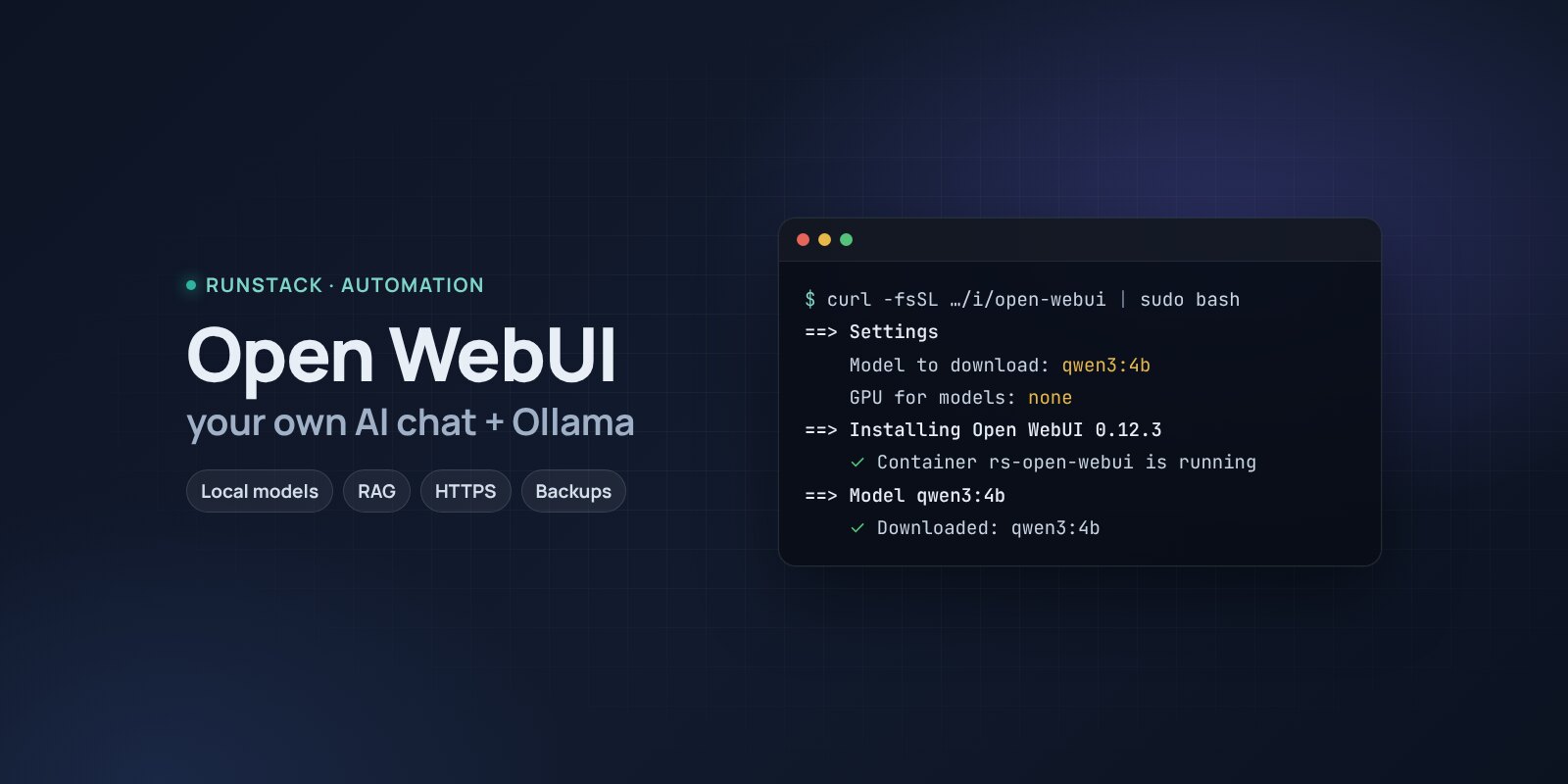
Open WebUI + Ollama — your own AI chat on local models
Your own ChatGPT on your server in one command: Open WebUI and Ollama, Qwen, Llama, Gemma models, documents (RAG), users, HTTPS, backups. Conversations stay with you.
 Ubuntu
 Debian
 Docker
Your team needs an AI assistant, but contracts, code and customer data cannot go to an outside service. Or you simply do not want to pay per seat.
Open WebUI is a ChatGPT-like interface: chats, uploading documents and asking about them, custom assistants, users and roles. Ollama runs open models right on the server — Qwen, Llama, Gemma, Mistral, DeepSeek. Cloud models can be added through an OpenAI-compatible API — all in one window.
What you get
- Open WebUI 0.12.3 and Ollama — the latest stable versions, wired together. Ollama is not exposed: its API has no password, so only Open WebUI can reach it.
- A model is downloaded right away —
qwen3:4bby default (multilingual, runs on a regular CPU). Others with one command:rs open-webui pull qwen3:8b. - NVIDIA GPU — optional: answer
nvidiaand Ollama gets the GPU. - Your own address with HTTPS — a Let's Encrypt certificate is issued and renewed automatically.
- Sign-ups under control: the first account is the admin, then sign-up closes — you add colleagues yourself.
- Backups with one command — users, chats, documents and settings; models can be downloaded again.
- Access from your IPs only — office, VPN.
Who it is for
- Teams that cannot send documents and code to outside AI services.
- Anyone who wants one chat for local and cloud models without per-seat subscriptions.
- Experimenting with open models: compare, tune, connect to your own data.
How to install
- Prepare a server with Ubuntu or Debian. Point a domain's A record, e.g.
ai.example.com, at the server's IP. - Copy the command from the Download block — it appears after you sign in. It contains your personal token, valid for 12 hours.
- Run it on the server and answer the questions:
Language / Язык (en / ru) [en]: en
Open WebUI version (latest stable: 0.12.3) [0.12.3]:
Install directory (data, settings, backups) [/opt/open-webui]:
Mode: public — your domain with HTTPS (Let's Encrypt), local — a port on this server for your own proxy (public / local) [local]: public
Domain (its A record must point to this server): ai.example.com
Email for Let's Encrypt: admin@example.com
Allow only these IPs/subnets:
Model to download now (ollama.com/library; empty — later: rs open-webui pull <model>) [qwen3:4b]:
GPU for models (none / nvidia) [none]:
- Sign up right away: open
https://ai.example.com. The first account becomes the admin — until then, the first visitor gets it. - Pick a model above the chat and ask something. Add colleagues in Admin Panel → Users.
System requirements
| Minimum to run | For 7–8B models | |
|---|---|---|
| OS | Ubuntu 22.04 / 24.04, Debian 12+ | Ubuntu 24.04 |
| CPU | 2 vCPU, amd64 or arm64 | 4–8 vCPU or an NVIDIA GPU |
| Memory | 4 GB | 8–16 GB |
| Disk | 20 GB | 50 GB SSD |
Open WebUI and Ollama publish no hardware requirements — the figures are ours, the installer checks the minimum. Rule of thumb: a model takes about its file size in memory plus 1–2 GB — a 4B model needs about 4 GB, an 8B one about 8 GB. The Open WebUI and Ollama images take about 10 GB together. On a CPU answers are slower than in the cloud; large models need a GPU.
- Root access (
sudo). Docker is installed automatically. - Domain mode: an A record pointing at the server and free ports 80 and 443.
- Access to Docker Hub. If it is blocked, add a mirror:
RS_REGISTRY_MIRROR=https://mirror.gcr.io.
Day-to-day commands
rs open-webui status                  address, version and available update, backups
rs open-webui pull qwen3:8b           download a model (catalogue: ollama.com/library)
rs open-webui models                  downloaded models and those loaded in memory
rs open-webui backup                  backup to /opt/open-webui/backups (the last 14 kept)
rs open-webui upgrade [version]       backup → new version
rs open-webui access "203.0.113.10"   allow only these IPs (off — remove)
rs open-webui stop | start            stop / start
rs open-webui down                    remove the containers, data stays
rs open-webui purge                   full removal step by step, backups are never deleted
Running the installer again is safe: data, keys and the version are kept. All commands and common errors are in the wiki.
FAQ
How much is it? The installer is free for now. Open WebUI has its own BSD-3-based license: renaming or removing its logo is allowed only with ≤50 users a month or with the author's permission. Ollama is MIT. Each model has its own license — see its page.
How smart are local models? 4–8B models handle texts, translation, emails and simpler code well. They are far from cloud flagships — for hard tasks connect a cloud model through the API in the same interface.
Can I ask about my documents? Yes: upload files to a chat or create a knowledge base (Workspace → Knowledge) — Open WebUI finds the right passages and gives them to the model.