
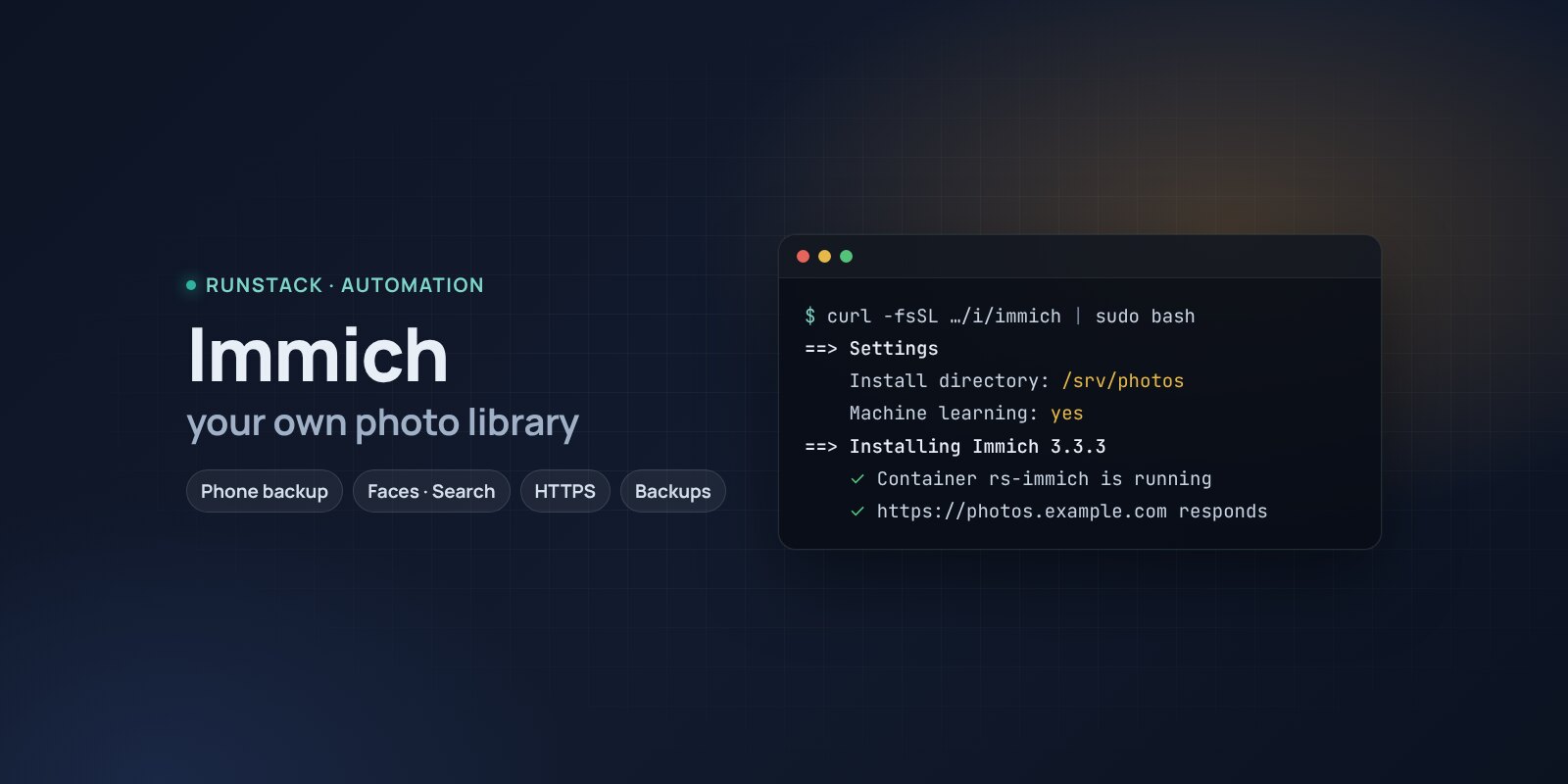
Immich — your own Google Photos: phone photo backup
Immich in one command: automatic photo and video upload from phones, albums, sharing, face and object search. PostgreSQL, HTTPS, database backups.
 Ubuntu
 Debian
 Docker
Cloud storage runs out, the subscription gets pricier, and family photos sit with someone else's company.
Immich is your own Google Photos: the phone app uploads new photos and videos to your server, and in the browser and app you get a timeline, albums, a map, shared family albums, search by faces and by description ("dog on the beach"). Fast even with hundreds of thousands of photos.
What you get
- Immich 3.3.3 — the latest stable version: server, machine learning, PostgreSQL with VectorChord and Valkey — the same images as the official setup.
- Face recognition and smart search — optional: without them Immich runs on 4 GB of memory.
- You choose where photos live — e.g. a large disk at
/srv/photos. - Your own address with HTTPS — a Let's Encrypt certificate is issued and renewed automatically, the apps connect to it.
- Database backups with one command — albums, faces, users; the last 14 kept.
- Access from your IPs only — e.g. home and VPN only.
Who it is for
- Families who want to keep photos at home and share albums.
- Anyone running out of Google Photos or iCloud space.
- Photographers and small studios — an archive with search and sharing for clients.
How to install
- Prepare a server with Ubuntu or Debian. Point a domain's A record, e.g.
photos.example.com, at the server's IP. - Copy the command from the Download block — it appears after you sign in. It contains your personal token, valid for 12 hours.
- Run it on the server and answer the questions:
Language / Язык (en / ru) [en]: en
Immich version (latest stable: 3.3.3) [3.3.3]:
Install directory (data, settings, backups) [/opt/immich]: /srv/photos
Mode: public — your domain with HTTPS (Let's Encrypt), local — a port on this server for your own proxy (public / local) [local]: public
Domain (its A record must point to this server): photos.example.com
Email for Let's Encrypt: admin@example.com
Allow only these IPs/subnets:
Machine learning: face recognition and smart search (needs 6+ GB RAM) (yes/no) [yes]:
- Create the admin right away: open
https://photos.example.com. Until then, the first visitor becomes the admin. - Connect phones: the Immich app (App Store / Google Play) → server address → turn on backup.
- Copy photos to another disk:
rs immich backupsaves the database; copy the photos themselves with rsync or restic.
System requirements
Requirements from the official Immich documentation:
| Minimum | Recommended | |
|---|---|---|
| OS | 64-bit Linux; here — Ubuntu 22.04 / 24.04, Debian 12+ | Ubuntu 24.04 |
| CPU | 2 cores, amd64 (x86-64-v2) or arm64 | 4 cores |
| Memory | 6 GB (4 GB without machine learning) | 8 GB |
| Disk | database 1–3 GB on SSD + space for photos | the library + 10–20% for thumbnails and video |
The database must be on a local SSD, never a network share. The installer checks the minimum.
- Root access (
sudo). Docker is installed automatically. - Domain mode: an A record pointing at the server and free ports 80 and 443.
- Access to Docker Hub. If it is blocked, add a mirror:
RS_REGISTRY_MIRROR=https://mirror.gcr.io.
Day-to-day commands
rs immich status                  address, version and available update, backups
rs immich backup                  backup to /opt/immich/backups (the last 14 kept)
rs immich upgrade [version]       backup → new version
rs immich access "203.0.113.10"   allow only these IPs (off — remove)
rs immich stop | start            stop / start
rs immich down                    remove the containers, data stays
rs immich purge                   full removal step by step, backups are never deleted
Running the installer again is safe: data, keys and the version are kept. All commands and common errors are in the wiki.
FAQ
How much is it? The installer is free for now. Immich is open source under AGPL-3.0.
What is in the backup? rs immich backup saves the database: albums, faces, users, metadata. The photos and videos live in the install directory (library) — copy them to another disk or a cloud: without that copy a database backup is useless.
Can I move photos from Google Photos? Yes: export an archive with Google Takeout and upload it with immich-go — it keeps dates and albums.