
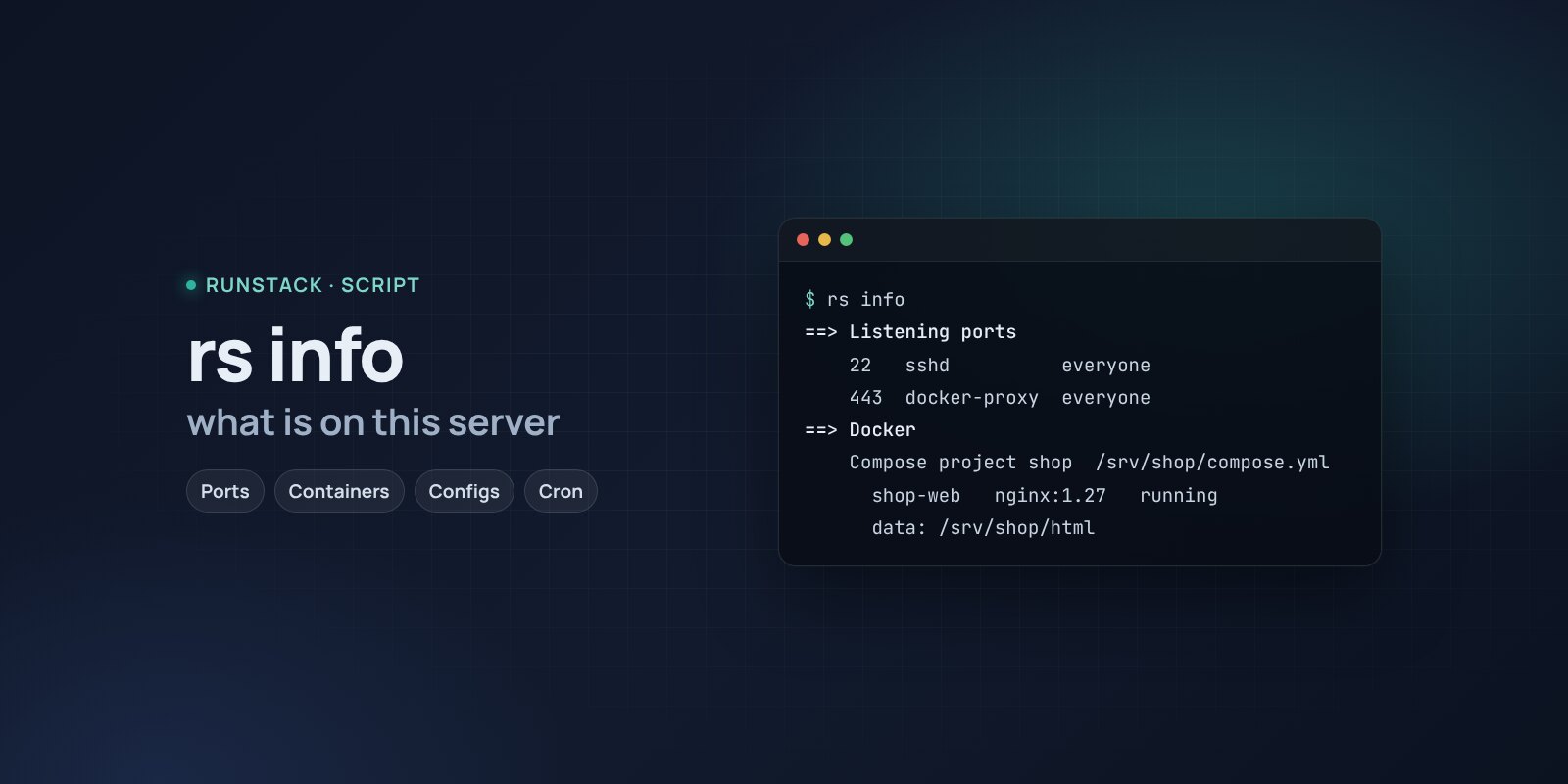
What is on this server — rs info
A script that shows what runs on a server: ports and who listens, Docker containers and where their compose files and data are, nginx sites, services, cron. Changes nothing.
 Ubuntu
 Debian
You inherited a server from the previous admin. Or it is yours but set up three years ago: what runs here, where was this container started from, where is its config, who listens on port 8080?
rs info builds the picture of a server in one report in a minute — instead of a dozen ss, docker inspect, systemctl, crontab, nginx -T commands.
What it shows
- System: OS and kernel, virtualization, CPU, memory and swap, load, internal and public IPs, time zone.
- Disks: file systems, free space, inodes — with a warning when space runs low.
- Listening ports: the port, the process and, most importantly, who can reach it: this server only or everyone.
- Docker: containers grouped by Compose project with the compose file path, image, state, published ports and data directories; containers stuck restarting.
- Sites: nginx, Apache, Caddy — configs and domains, Let's Encrypt certificate expiry.
- Services: everything running beyond the base system, and failed services.
- Schedules: cron (system and users) and systemd timers.
What it looks like
==> Открытые порты
    ПОРТ   АДРЕС          ПРОЦЕСС        КТО МОЖЕТ ПОДКЛЮЧИТЬСЯ
    22     0.0.0.0:22     sshd           всем
    5432   127.0.0.1:5432 postgres       только этот сервер

==> Docker
    Проект Compose shop  /srv/shop/compose.yml
      shop-web        nginx:1.27      running
        данные: /srv/shop/html
      shop-api        shop/api:2.4    restarting
    ✗ shop-api перезапускается по кругу
      → docker logs --tail 50 shop-api
At the end — a summary: what to fix first and how. A plain copy of the report is saved to /tmp/rs-info.txt, handy to attach to a ticket.
How to run
- Copy the command from the Download block — it appears after you sign in. It contains your personal token, valid for 12 hours.
- Run it on the server. The script downloads, verifies its checksum and starts right away.
- After that — just
sudo rs info. Therscommand stays on the server with the other scripts:rs info,rs slow,rs security,rs clean. Help —rs help.
rs info              the full report
rs info ports        ports only (also: system, disk, docker, web, services, cron)
rs info --help       sections and what they mean
Is it safe
The script only reads: it installs nothing, changes no settings and restarts no services. It shows commands for fixes — whether to run them is up to you. The source is readable at /opt/runstack/automations/tools/info/tool.sh. Remove RunStack itself: sudo rs remove.
Requirements
- Linux with bash and curl, root access (
sudo). Tested on Ubuntu 22.04 / 24.04 and Debian 12+; works on other distributions too, skipping what is not there. - Docker is optional: without it the container part is skipped.
FAQ
How much is it? Free for now.
Can I run it on production? Yes: the script only reads and takes a few seconds. The heaviest part is querying Docker.
Is any data sent anywhere? No. The only outside request finds the server's public IP (api.ipify.org). The report stays on the server.
What each check means and how to fix the findings — in the wiki.