
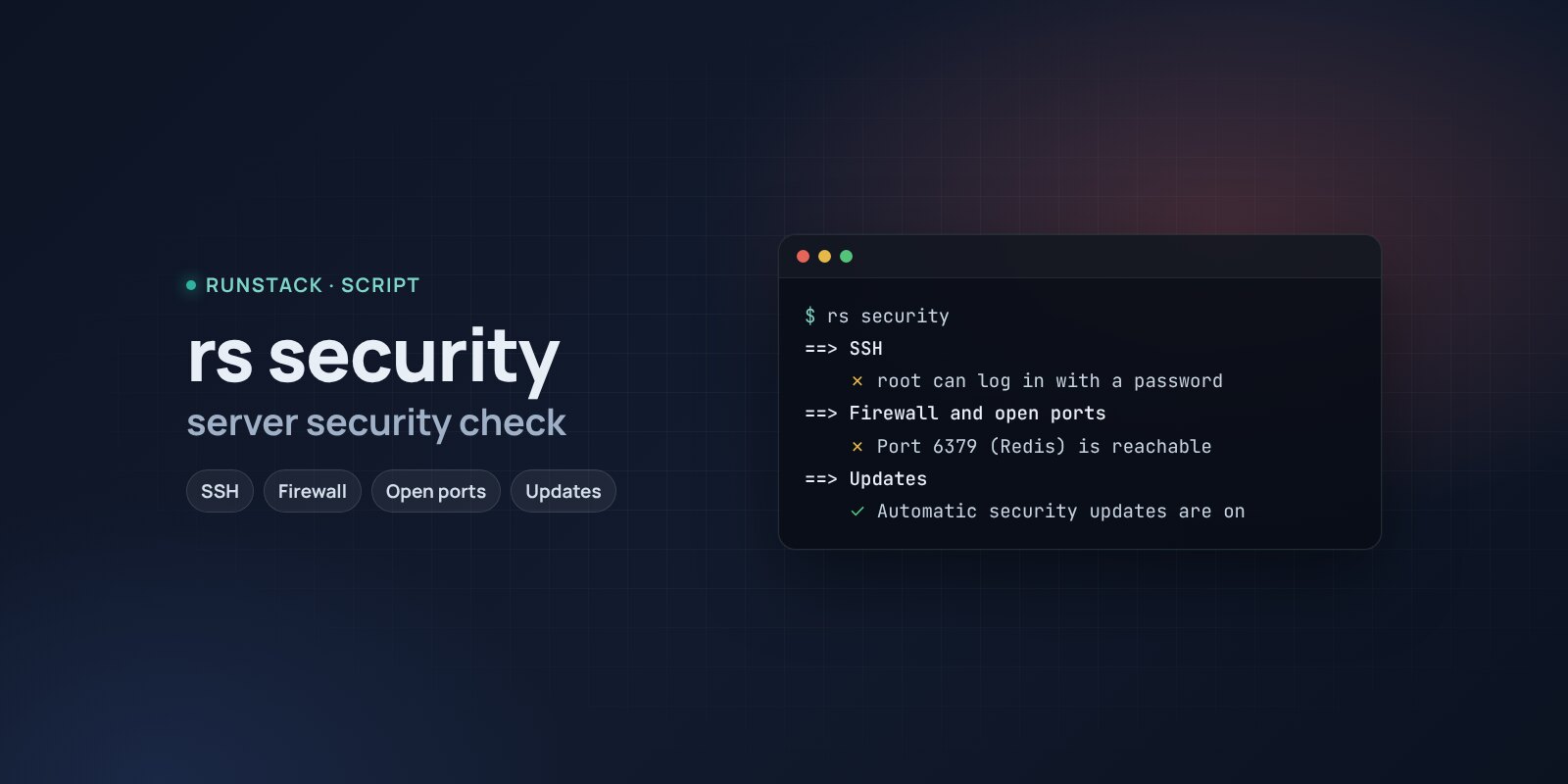
Server security check — rs security
A script that checks SSH, the firewall, databases and the Docker API open to the internet, security updates, extra root accounts and empty passwords, brute force — and shows how to fix it.
 Ubuntu
 Debian
Most server break-ins are not clever attacks but simple things: root login with a password, Redis or PostgreSQL open to the internet, a Docker API without a password, a long-unpatched system.
rs security checks these places in a minute and shows, for each finding, the command or setting that closes it.
What it shows
- SSH: root login and password login, keys, max tries; how many password guesses in 24 hours and from where; whether fail2ban or CrowdSec is there.
- Firewall: whether it is on (ufw, nftables, iptables) and which ports listen outside.
- Dangerous open ports: databases (PostgreSQL, MySQL, Redis, MongoDB, Elasticsearch…), the Docker API, Ollama, RDP, SMB and more.
- Docker: API without TLS, privileged containers, docker.sock mounts, ports bypassing ufw, docker group members.
- Updates: pending security updates, automatic updates, reboot required.
- Accounts: extra UID 0, empty passwords, who can log in and who has sudo.
- System: time sync, ASLR, world-writable files in /etc.
What it looks like
==> SSH
    Неудачных входов за сутки 4182
    ✗ root может войти по паролю — первая цель подбора
      → добавьте свой ключ, затем PermitRootLogin prohibit-password, PasswordAuthentication no
==> Файрвол и открытые порты
    ✗ Порт 6379 (Redis) слушает 0.0.0.0:6379 и, скорее всего, доступен из интернета
      → привяжите к 127.0.0.1 или пускайте только свои IP
==> Обновления
    ✗ Не установлено 12 обновлений безопасности
      → apt update && apt upgrade -y
At the end — a summary: what to fix first and how. A plain copy of the report is saved to /tmp/rs-security.txt, handy to attach to a ticket.
How to run
- Copy the command from the Download block — it appears after you sign in. It contains your personal token, valid for 12 hours.
- Run it on the server. The script downloads, verifies its checksum and starts right away.
- After that — just
sudo rs security. Therscommand stays on the server with the other scripts:rs info,rs slow,rs security,rs clean. Help —rs help.
rs security          the full check
rs security --help   what each finding means
Is it safe
The script only reads: it installs nothing, changes no settings and restarts no services. It shows commands for fixes — whether to run them is up to you. The source is readable at /opt/runstack/automations/tools/security/tool.sh. Remove RunStack itself: sudo rs remove.
Requirements
- Linux with bash and curl, root access (
sudo). Tested on Ubuntu 22.04 / 24.04 and Debian 12+; works on other distributions too, skipping what is not there. - Docker is optional: without it the container part is skipped.
FAQ
How much is it? Free for now.
Does it replace a security audit? No. It is a quick check of common misconfigurations — the things that most often lead to a break-in. Servers with personal data need a proper audit.
Will it fix anything itself? No, it only shows. Be especially careful with SSH: add and test your key first, and only then turn off password login — otherwise you can lock yourself out.
What each check means and how to fix the findings — in the wiki.