
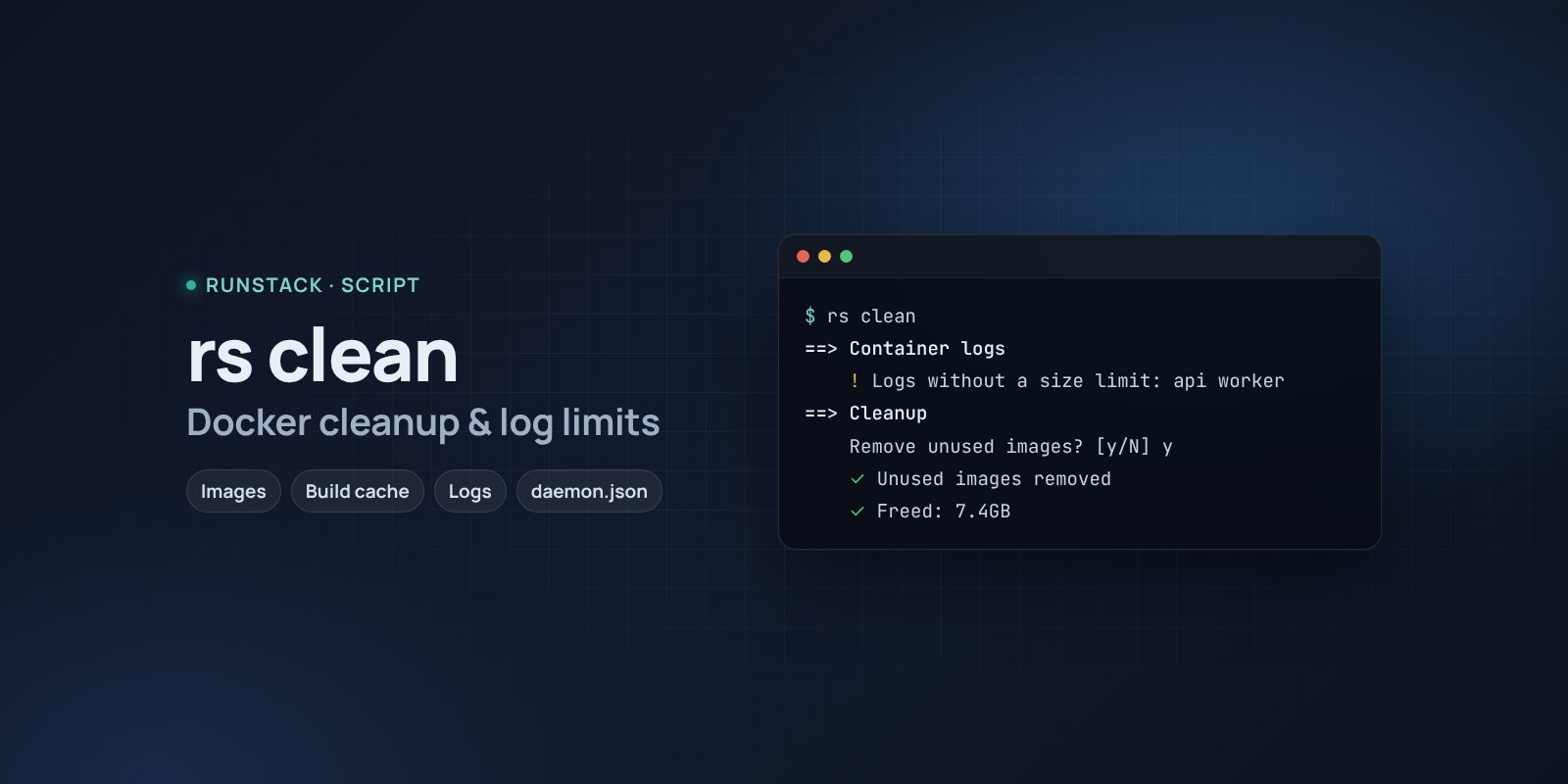
Docker cleanup — rs clean
A script that shows what takes space in Docker — images, build cache, stopped containers, unlimited logs — and cleans up step by step with your consent. Volumes with data are never touched.
 Ubuntu
 Debian
The disk is suddenly full, though there is not much data. Docker is usually to blame: old images after updates, the build cache and especially container logs — by default they grow without a limit until the disk is full.
rs clean shows what takes how much, offers a safe step-by-step cleanup and sets a log limit so the problem does not come back.
What it shows
- How much Docker takes: images, containers, volumes, build cache and how much can be freed.
- Container logs: the largest ones and which have no size limit.
- The default limit in
/etc/docker/daemon.json— whether it is set; offers to addmax-size 10m × 3. - What can go: dangling and unused images, stopped containers, build cache; unused volumes are only listed.
- The system journal (journald) if it has grown big.
What it looks like
==> Логи контейнеров
      api                         3.8GB  json-file
    ! Логи без ограничения размера: api worker
==> Чистка
    Удалить висячие образы (старые слои без тега)? [Y/n] y
    ✓ Висячие образы удалены
    Обнулить логи больше 100 МБ (api)? [y/N] y
    ✓ Лог обнулён: api
    Задать лимит логов по умолчанию в /etc/docker/daemon.json (10m × 3)? [Y/n] y
    ✓ Освобождено: 9.1GB
At the end — a summary: what to fix first and how. A plain copy of the report is saved to /tmp/rs-clean.txt, handy to attach to a ticket.
How to run
- Copy the command from the Download block — it appears after you sign in. It contains your personal token, valid for 12 hours.
- Run it on the server. The script downloads, verifies its checksum and starts right away.
- After that — just
sudo rs clean. Therscommand stays on the server with the other scripts:rs info,rs slow,rs security,rs clean. Help —rs help.
rs clean             report, then a question for each step
rs clean --report    report only, nothing is deleted
rs clean --yes       no questions: only the safe steps (dangling images, build cache)
Is it safe
The script first only shows what takes space and deletes nothing without your "yes" for each step. Volumes with data, RunStack service containers and running containers are never touched. The source is readable at /opt/runstack/automations/tools/clean/tool.sh. Remove RunStack itself: sudo rs remove.
Requirements
- Linux with bash and curl, root access (
sudo). Tested on Ubuntu 22.04 / 24.04 and Debian 12+; works on other distributions too, skipping what is not there. - Docker is optional: without it the container part is skipped.
FAQ
How much is it? Free for now.
Will it delete something I need? Volumes (databases and app files live there) are never deleted, nor are RunStack service containers or running containers. Only unused images are removed: Docker downloads them again when needed.
Why does the log limit not apply at once? The daemon.json setting applies after a Docker restart and only to new or recreated containers. RunStack services have a log limit in their compose files from the start.
What each check means and how to fix the findings — in the wiki.