
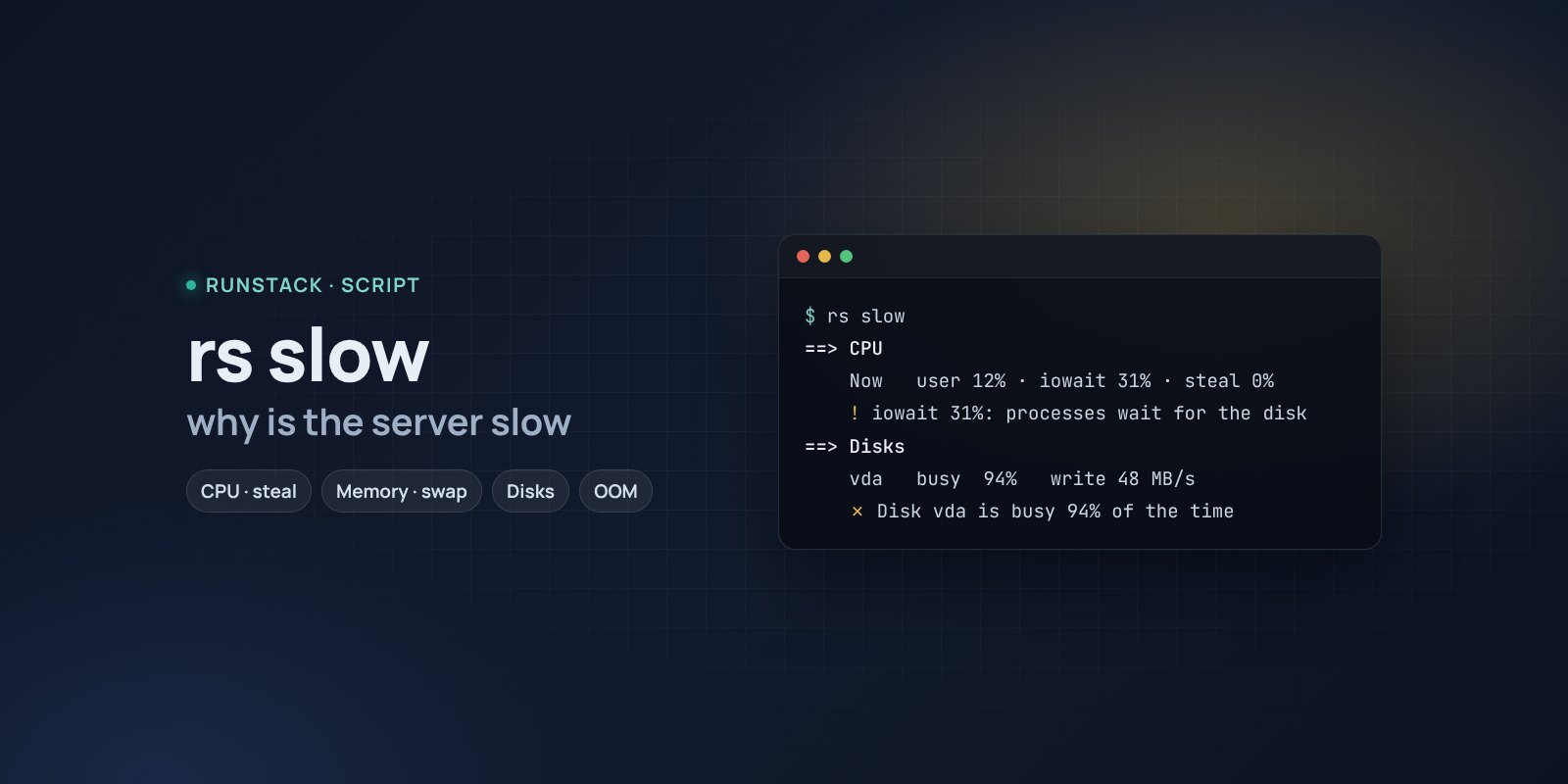
Why is the server slow — rs slow
A script that measures CPU, steal, memory and swapping, disk load, heavy processes and containers, finds OOM kills and disk errors — and says what is slow and what to do.
 Ubuntu
 Debian
The site takes 10 seconds to open, SSH lags, and top says the CPU is mostly idle. There are many causes: the disk, lack of memory, VPS neighbours, a connection limit.
rs slow measures the server for a few seconds and gives a verdict: what exactly is slow, the likely cause and what to do.
What it shows
- CPU: load versus the number of cores, user/system/iowait and steal — how much CPU the hypervisor takes (an oversold provider host).
- Processes: who really eats CPU during the measurement and who uses the most memory.
- Memory: how much is available, active swapping, kernel OOM kills in the last 24 hours, missing swap.
- Disks: how busy each disk is and how much it reads/writes; file system usage.
- Containers: CPU and memory of each, restart loops.
- Limits and errors: open files, the conntrack table, zombie processes, disk errors in the kernel log.
What it looks like
==> CPU
    Сейчас        user 9% · system 4% · iowait 38% · steal 0%
    ! iowait 38%: процессы ждут диск
==> Память
    ✗ За сутки ядро убивало процессы из-за нехватки памяти: php-fpm×3
==> Диски
      vda    занят  96%   чтение 2 MB/s   запись 61 MB/s
    ✗ Диск vda занят 96% времени
      → кто пишет: iotop -oPa
At the end — a summary: what to fix first and how. A plain copy of the report is saved to /tmp/rs-slow.txt, handy to attach to a ticket.
How to run
- Copy the command from the Download block — it appears after you sign in. It contains your personal token, valid for 12 hours.
- Run it on the server. The script downloads, verifies its checksum and starts right away.
- After that — just
sudo rs slow. Therscommand stays on the server with the other scripts:rs info,rs slow,rs security,rs clean. Help —rs help.
rs slow                 a 5-second measurement
rs slow --seconds 15    a longer one — for intermittent problems
rs slow --help          what each check means
Is it safe
The script only reads: it installs nothing, changes no settings and restarts no services. It shows commands for fixes — whether to run them is up to you. The source is readable at /opt/runstack/automations/tools/slow/tool.sh. Remove RunStack itself: sudo rs remove.
Requirements
- Linux with bash and curl, root access (
sudo). Tested on Ubuntu 22.04 / 24.04 and Debian 12+; works on other distributions too, skipping what is not there. - Docker is optional: without it the container part is skipped.
FAQ
How much is it? Free for now.
When should I run it? Right when it is slow: the script measures the current state. OOM kills and disk errors are checked for the last 24 hours.
What is steal? The share of time the VM wants CPU but the hypervisor gives it to others. High steal cannot be fixed inside the server — only by the provider or by moving to a plan with dedicated cores.
What each check means and how to fix the findings — in the wiki.