
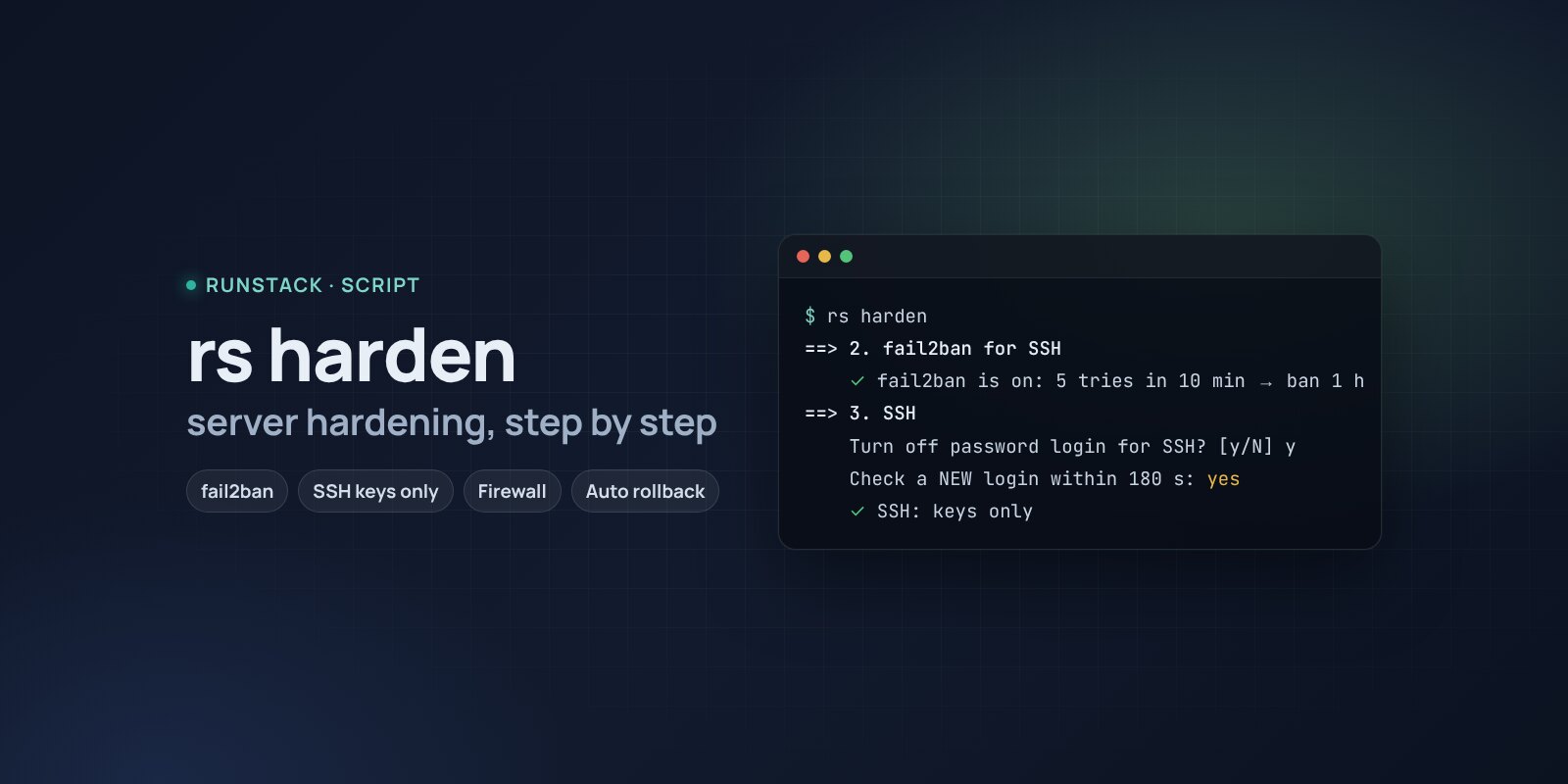
Server hardening — rs harden
A script that turns on basic protection step by step: automatic updates, fail2ban, key-only SSH, a firewall, swap. SSH and firewall changes roll back unless you confirm access.
 Ubuntu
 Debian
A new server on the internet gets SSH password guesses within minutes of starting. Basic protection is well known — key-only login, fail2ban, a firewall, automatic updates — yet it is done by hand every time, and the scariest part is not locking yourself out.
rs harden goes through these steps one by one: it explains what will change, asks and does it. SSH and firewall changes roll back by themselves unless you confirm within 3 minutes that you can log in from a new window.
What it does
- Automatic security updates — unattended-upgrades: patches install themselves every day, without reboots.
- fail2ban for SSH — 5 failed attempts in 10 minutes and the IP is blocked for an hour. If fail2ban or CrowdSec is already there, it is left alone.
- SSH by key only — only if your user already has a key: password login off, root by key only, at most 3 tries. Settings go into a separate file
/etc/ssh/sshd_config.d/00-runstack-harden.conf; the main config is not edited. - ufw firewall — SSH ports are always open; it asks about every other port listening outside (80 and 443 default to yes). If a firewall exists (ufw or nftables), it is left alone.
- Swap — 2 GB (4 GB with 8 GB+ memory) if there is none: without it the kernel kills processes as soon as memory runs out.
- Time and kernel — time sync (NTP), SYN-flood protection, no ICMP redirects, full ASLR.
What it looks like
==> 3. SSH
    Turns off password login (keys only), root — only by key, 3 login attempts per connection. Key found for: deploy.
    Turn off password login for SSH? [y/N] y
┌──────────────────────────────────────────────────────────────────────┐
│ Do NOT close this window. Open a NEW terminal and check:             │
│ ssh deploy@<server> with your key                                    │
│ Works — type yes here within 180 s. Otherwise the change is rolled   │
│ back.                                                                │
└──────────────────────────────────────────────────────────────────────┘
    yes / no: yes
    ✓ SSH: keys only. Undo: rm /etc/ssh/sshd_config.d/00-runstack-harden.conf && systemctl reload ssh
==> 4. Firewall (ufw)
    Port 3000/tcp (node) listens on 0.0.0.0. Allow it from the internet? [y/N] n
How to run
- Copy the command from the Download block — it appears after you sign in. It contains your personal token, valid for 12 hours.
- Run it on the server in a regular terminal (not from cron or a pipe without a terminal): the SSH and firewall steps need your confirmation.
- After that —
sudo rs harden. You can look at the plan first:sudo rs harden --plan.
rs harden            every step with a question
rs harden --plan     only show what would change
rs harden --yes      no questions: only steps that cannot lock you out
                     (updates, fail2ban, swap, time, kernel)
Is it safe
The script changes server settings — so every step asks first, and the two risky ones (SSH and firewall) have a rollback timer. Without a terminal (--yes, automation) SSH and the firewall are never changed. Every change is a separate file marked RunStack, easy to find and remove; how to undo each step is in the wiki. Check the result: sudo rs security.
Requirements
- Ubuntu 22.04 / 24.04 or Debian 12+ (apt), root access (
sudo), systemd. - For the SSH step — a key in
~/.ssh/authorized_keysof the user you logged in as. No key — the step is skipped. - A way back in: your provider should offer a console (VNC) as a last resort.
FAQ
How much is it? Free for now.
What if I do not confirm in time? After 3 minutes the change rolls back by itself: SSH returns to the previous settings, the firewall is turned off. The session running the script stays connected.
Will the firewall close Docker ports? No: Docker publishes ports bypassing ufw. Restrict them with rs <service> access or publish on 127.0.0.1. More in the wiki.