
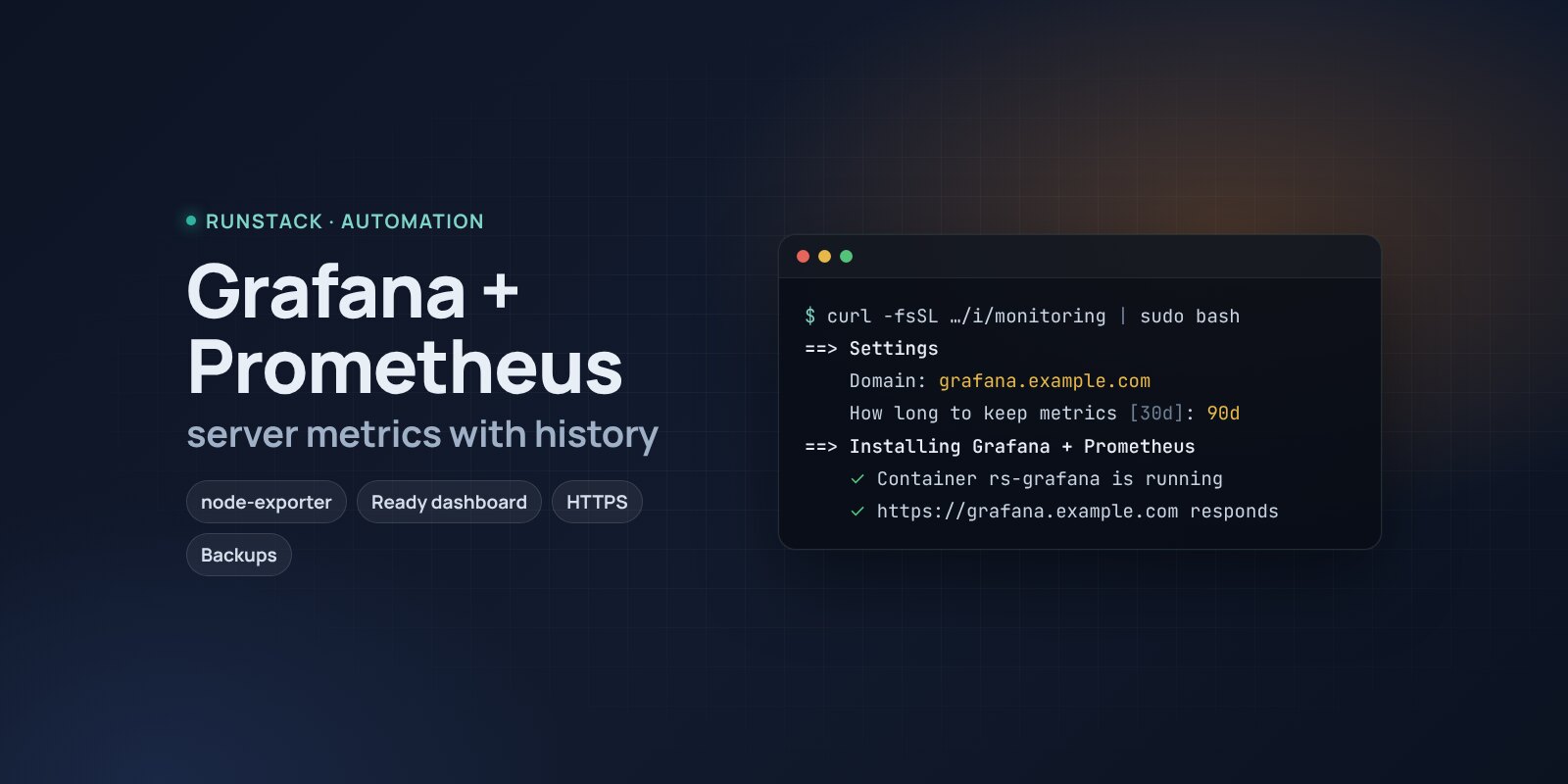
Grafana + Prometheus — server metrics with a ready dashboard
Server monitoring in one command: Prometheus, node-exporter and Grafana with a ready dashboard — CPU, memory, disks, network with history. HTTPS, backups.
 Ubuntu
 Debian
 Docker
The server was slow at night, fine in the morning — and nobody knows what it was: memory, disk or network. A glance at htop will not show what happened an hour ago.
Prometheus collects server metrics through node-exporter every 15 seconds and keeps the history; Grafana draws it. Right after install the "Server" dashboard opens: CPU by type, memory and swap, disk space and load, traffic. You see what went wrong and when.
What you get
- Grafana 13.2.4, Prometheus 3.15 and node-exporter 1.12 — the latest stable versions, wired together.
- A ready "Server" dashboard opens first: CPU, memory, swap, disks (space, reads and writes, busy time), network, uptime.
- Nothing extra exposed — Prometheus and node-exporter are not reachable from the internet, only Grafana is.
- Bounded history by time (30 days by default) and size (5 GB) — the disk will not fill up.
- Your own address with HTTPS — a Let's Encrypt certificate is issued and renewed automatically.
- Backups with one command — Grafana users, your dashboards and alerts; the last 14 kept.
Who it is for
- Anyone whose server is "sometimes slow" and who needs to know when and why.
- To see whether resources are enough before buying more memory or disk.
- As a monitoring base: add your services and alerts later.
How to install
- Prepare a server with Ubuntu or Debian. Point a domain's A record, e.g.
grafana.example.com, at the server's IP. - Copy the command from the Download block — it appears after you sign in. It contains your personal token, valid for 12 hours.
- Run it on the server and answer the questions:
Language / Язык (en / ru) [en]: en
Grafana version (latest stable: 13.2.4) [13.2.4]:
Install directory (data, settings, backups) [/opt/monitoring]:
Mode: public — your domain with HTTPS (Let's Encrypt), local — a port on this server for your own proxy (public / local) [local]: public
Domain (its A record must point to this server): grafana.example.com
Email for Let's Encrypt: admin@example.com
Allow only these IPs/subnets:
How long to keep metrics (e.g. 15d, 30d, 90d) [30d]:
- Sign in at
https://grafana.example.com: useradmin, the password from the install summary (rs monitoring admin). Change the password. - Open the "Server" dashboard — it opens first. The first graphs appear within a minute.
- Alerts (email, Telegram) are set up in Grafana: Alerting → Contact points and Alert rules.
System requirements
| Minimum | With headroom | |
|---|---|---|
| OS | Ubuntu 22.04 / 24.04, Debian 12+ | Ubuntu 24.04 |
| CPU | 1 vCPU, amd64 or arm64 | 2 vCPU |
| Memory | 1 GB | 2 GB |
| Disk | 10 GB | 20 GB |
Grafana officially asks for 512 MB of memory and 1 core; the figures above are for all three services together, and the installer checks the minimum. 30 days of history for one server usually take 1–2 GB.
- Root access (
sudo). Docker is installed automatically. - Domain mode: an A record pointing at the server and free ports 80 and 443.
- Access to Docker Hub. If it is blocked, add a mirror:
RS_REGISTRY_MIRROR=https://mirror.gcr.io.
Day-to-day commands
rs monitoring status                  address, version and available update, backups
rs monitoring admin                   show the Grafana login
rs monitoring backup                  backup to /opt/monitoring/backups (the last 14 kept)
rs monitoring upgrade [version]       backup → new version
rs monitoring access "203.0.113.10"   allow only these IPs (off — remove)
rs monitoring stop | start            stop / start
rs monitoring down                    remove the containers, data stays
rs monitoring purge                   full removal step by step, backups are never deleted
Running the installer again is safe: data, keys and the version are kept. All commands and common errors are in the wiki.
FAQ
How much is it? The installer is free for now. Grafana is AGPL-3.0, Prometheus and node-exporter are Apache 2.0.
Can I monitor several servers? Yes: run node-exporter on the other servers and add them to your own prometheus.yml via compose.override.yml — see the example in the README on the server: /opt/runstack/automations/stacks/monitoring/README.md. Open the node-exporter port only to this server's IP.
How is it different from Uptime Kuma? Uptime Kuma checks from outside whether a site is up and alerts at once if not. Grafana + Prometheus show what happens inside the server and how it changed over time. They complement each other.