
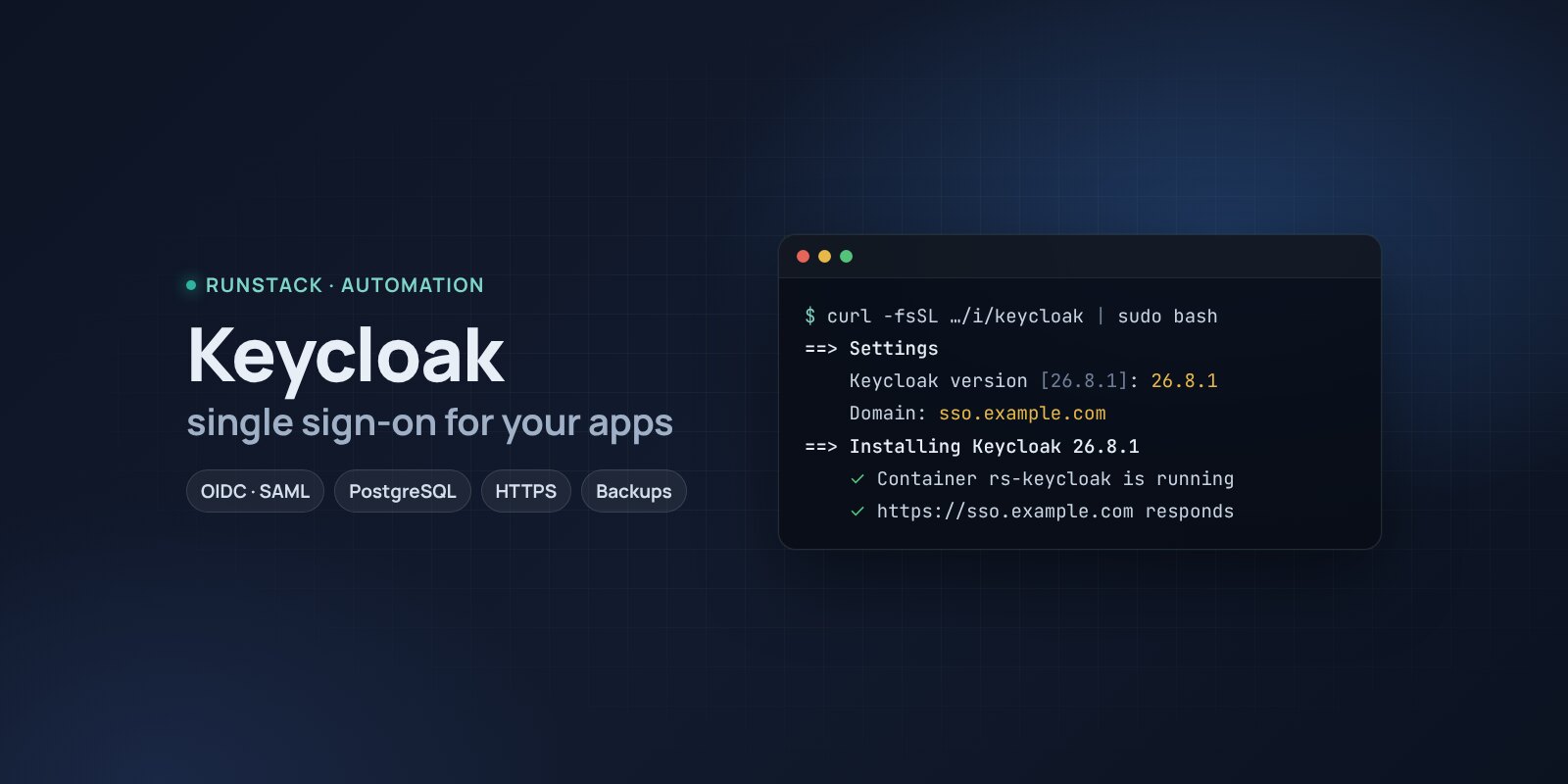
Keycloak — single sign-on (SSO) for your apps
Keycloak in one command: single sign-on with OpenID Connect and SAML, users, roles, two-factor, login with Google, GitHub and LDAP. PostgreSQL, HTTPS, backups.
 Ubuntu
 Debian
 Docker
Every internal service has its own login: Grafana, the wiki, the CRM, admin panels. When someone leaves, access has to be closed in ten places, and two-factor exists only where the developers built it.
Keycloak is Red Hat's single sign-on server: people sign in once and get into every connected app. OpenID Connect, OAuth 2.0 and SAML, roles and groups, two-factor, login with Google, GitHub, a corporate AD/LDAP, custom login pages. The standard for your own apps and for ready-made services that support SSO.
What you get
- Keycloak 26.8.1 — the latest stable version in production mode, with PostgreSQL 17 (the database is not exposed).
- The address is set right — tokens and login links use your domain; behind a proxy Keycloak honours
X-Forwarded-*. - A temporary admin is created during install; the password is in the summary and in
rs keycloak admin. - Your own address with HTTPS — a Let's Encrypt certificate is issued and renewed automatically.
- Backups with one command — a database dump (realms, users, clients) and settings; the last 14 kept.
- Access from your IPs only — if sign-in is needed only from the office and VPN.
Who it is for
- Teams with several internal services that want one login and one place to revoke access.
- Developers: OpenID Connect auth for your own apps without writing your own.
- Companies with AD/LDAP that want SSO for web services.
How to install
- Prepare a server with Ubuntu or Debian. Point a domain's A record, e.g.
sso.example.com, at the server's IP. - Copy the command from the Download block — it appears after you sign in. It contains your personal token, valid for 12 hours.
- Run it on the server and answer the questions:
Language / Язык (en / ru) [en]: en
Keycloak version (latest stable: 26.8.1) [26.8.1]:
Install directory (data, settings, backups) [/opt/keycloak]:
Mode: public — your domain with HTTPS (Let's Encrypt), local — a port on this server for your own proxy (public / local) [local]: public
Domain (its A record must point to this server): sso.example.com
Email for Let's Encrypt: admin@example.com
Allow only these IPs/subnets:
- Open the console at
https://sso.example.com/admin/with the temporary admin from the install summary. - Create a permanent admin in the
masterrealm (Users → Add user, roleadmin), sign in as them and delete the temporary one. - Create a separate realm for your apps and register them there (Clients → Create client), not in
master.
System requirements
| Minimum | With headroom | |
|---|---|---|
| OS | Ubuntu 22.04 / 24.04, Debian 12+ | Ubuntu 24.04 |
| CPU | 1 vCPU, amd64 or arm64 | 2 vCPU |
| Memory | 2 GB | 4 GB |
| Disk | 10 GB | 20 GB SSD |
Keycloak has a sizing guide for clusters; for a single server the figures are ours, and the installer checks the minimum. The first start takes up to a few minutes: Keycloak builds itself for the settings and creates its tables.
- Root access (
sudo). Docker is installed automatically. - Domain mode: an A record pointing at the server and free ports 80 and 443.
- Access to Docker Hub. If it is blocked, add a mirror:
RS_REGISTRY_MIRROR=https://mirror.gcr.io.
Day-to-day commands
rs keycloak status                  address, version and available update, backups
rs keycloak admin                   show the temporary admin
rs keycloak backup                  backup to /opt/keycloak/backups (the last 14 kept)
rs keycloak upgrade [version]       backup → new version
rs keycloak access "203.0.113.10"   allow only these IPs (off — remove)
rs keycloak stop | start            stop / start
rs keycloak down                    remove the containers, data stays
rs keycloak purge                   full removal step by step, backups are never deleted
Running the installer again is safe: data, keys and the version are kept. All commands and common errors are in the wiki.
FAQ
How much is it? The installer is free for now. Keycloak is open source under Apache 2.0.
Keycloak or authentik? Keycloak is the standard for your own apps and large deployments: many protocols and integrations, a big community. authentik is easier to set up and has an app portal and proxy auth for services without their own login. For a small team's internal services authentik is usually more convenient.
What if the domain changes? The address is built into tokens. Install again with the new domain (or KC_PUBLIC_URL=https://… rs keycloak install in local mode) and update the address in the connected apps.