
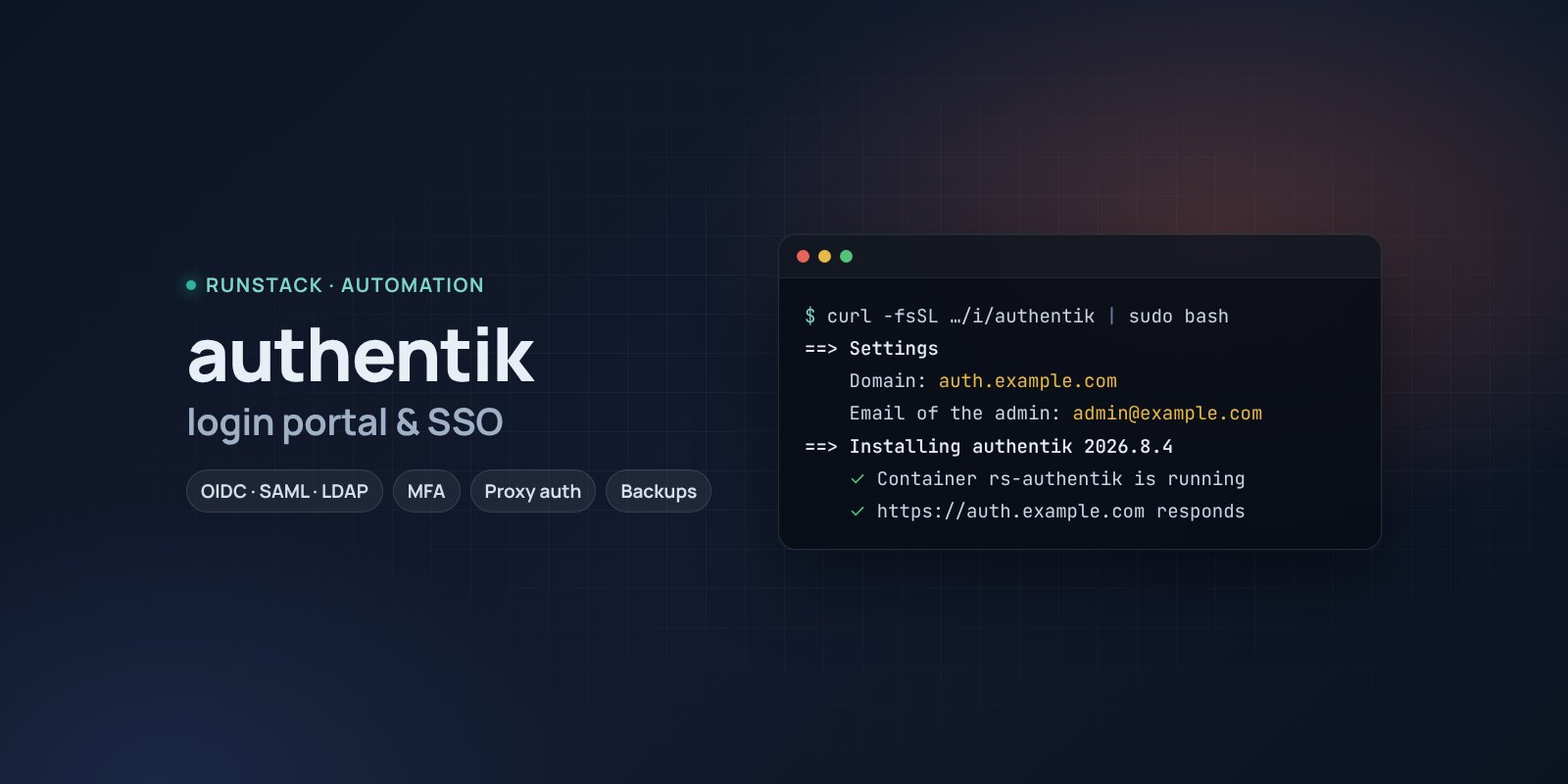
authentik — single sign-on and a portal for all your services
authentik in one command: single sign-on with OIDC and SAML, LDAP, proxy login for services without their own, MFA, an app portal. PostgreSQL, HTTPS, backups.
 Ubuntu
 Debian
 Docker
Internal services multiply, each with its own password, and some with none at all — like the panel that was "just restricted by IP".
authentik is a single sign-on server with an app portal: people sign in once (with MFA) and see tiles for every service they may use. It connects apps over OpenID Connect, SAML and LDAP, and protects services without their own login with proxy auth. Login, sign-up and recovery flows are built in the UI.
What you get
- authentik 2026.8.4 — the latest stable version: server, worker and PostgreSQL 16, as in the official setup.
- No access to docker.sock — the official example gives the worker the Docker socket (root on the server); ours does not.
- The akadmin account is created on first start; the password is in the summary and in
rs authentik admin. - Your own address with HTTPS — a Let's Encrypt certificate is issued and renewed automatically.
- Backups with one command — a database dump, uploaded files and the secret key; the last 14 kept.
- Access from your IPs only — e.g. office and VPN only.
Who it is for
- Small teams: one login with MFA for all internal services and a portal linking to them.
- Anyone with services that have no auth: authentik puts its own login in front via a proxy.
- Home servers: single sign-on to Grafana, Immich, the wiki and the rest.
How to install
- Prepare a server with Ubuntu or Debian. Point a domain's A record, e.g.
auth.example.com, at the server's IP. - Copy the command from the Download block — it appears after you sign in. It contains your personal token, valid for 12 hours.
- Run it on the server and answer the questions:
Language / Язык (en / ru) [en]: en
authentik version (latest stable: 2026.8.4) [2026.8.4]:
Install directory (data, settings, backups) [/opt/authentik]:
Mode: public — your domain with HTTPS (Let's Encrypt), local — a port on this server for your own proxy (public / local) [local]: public
Domain (its A record must point to this server): auth.example.com
Email for Let's Encrypt: admin@example.com
Allow only these IPs/subnets:
Email of the admin (akadmin): admin@example.com
- Sign in at
https://auth.example.comasakadminwith the password from the install summary. - Change the password and turn on MFA: Settings → MFA Devices (an authenticator app or a key).
- Connect the first app: Admin interface → Applications → Create with provider — OAuth2/OpenID for services with SSO, Proxy for services without a login.
System requirements
Requirements from the official authentik documentation:
| Minimum | With headroom | |
|---|---|---|
| OS | Ubuntu 22.04 / 24.04, Debian 12+ | Ubuntu 24.04 |
| CPU | 2 cores, amd64 or arm64 | 4 cores |
| Memory | 2 GB | 4 GB |
| Disk | 10 GB | 20 GB SSD |
The installer checks the minimum. The first start with database migrations takes a few minutes.
- Root access (
sudo). Docker is installed automatically. - Domain mode: an A record pointing at the server and free ports 80 and 443.
- Access to Docker Hub. If it is blocked, add a mirror:
RS_REGISTRY_MIRROR=https://mirror.gcr.io.
Day-to-day commands
rs authentik status                  address, version and available update, backups
rs authentik admin                   show the akadmin login
rs authentik backup                  backup to /opt/authentik/backups (the last 14 kept)
rs authentik upgrade [version]       backup → new version
rs authentik access "203.0.113.10"   allow only these IPs (off — remove)
rs authentik stop | start            stop / start
rs authentik down                    remove the containers, data stays
rs authentik purge                   full removal step by step, backups are never deleted
Running the installer again is safe: data, keys and the version are kept. All commands and common errors are in the wiki.
FAQ
How much is it? The installer is free for now. authentik is open source under MIT; some features (enterprise) need a subscription, single sign-on does not.
authentik or Keycloak? authentik is easier to set up and has an app portal and proxy auth for services without a login. Keycloak is the standard for your own apps and large deployments. For a team's internal services authentik is usually more convenient.
How do I protect a service that has no login? Create an application with a Proxy provider (Forward auth mode) and add the check to your proxy — the authentik docs have ready examples for nginx, Caddy and Traefik.