
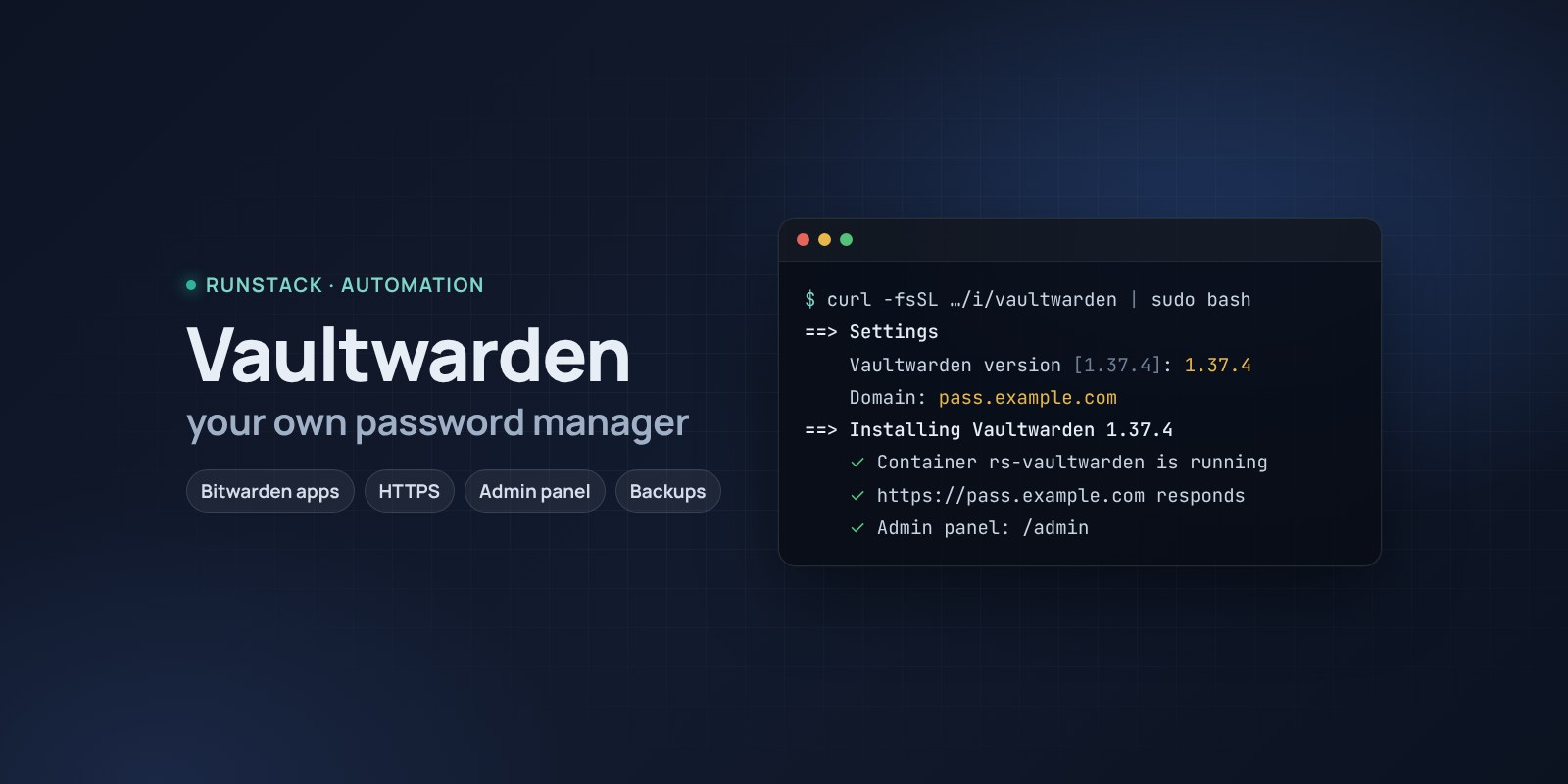
Vaultwarden — your own password manager for a team or family
A Bitwarden-compatible password server on your own machine with one command: HTTPS, admin panel, invitations, backups. The cheapest VPS is enough.
 Ubuntu
 Debian
 Docker
Team passwords in a shared spreadsheet or a chat will leak sooner or later. Cloud password managers solve it, but your data lives with another company and every user is a subscription.
Vaultwarden is a password server that works with the official Bitwarden apps: browser extensions, phones, desktops, autofill. Everything is stored on your server, with as many users as you need.
What you get
- Vaultwarden 1.37.4 — the latest stable version. You can pick another one during install.
- Your own address with HTTPS — a Let's Encrypt certificate is issued and renewed automatically. Or a port behind your nginx/Traefik.
- Bitwarden apps on Windows, macOS, Linux, Android, iOS and browsers: choose "Self-hosted" and enter your address.
- Admin panel at
/adminwith a ready token: users, invitations, email, policies. - Closed registration by default: only people you invite get in.
- Organizations and collections: shared passwords for teams and projects; personal ones stay personal.
- Backups with one command — database, attachments and keys in one archive, the last 14 kept.
- Access from your IPs only — office, VPN. Everyone else is blocked; change it any time.
- One-command upgrades: a backup first, then the new version.
Who it is for
- A small team or company moving passwords out of chats and spreadsheets.
- A family: shared service passwords, a private vault for everyone.
- Anyone who does not want to hand passwords to a cloud service or pay per user.
How to install
- Prepare a server with Ubuntu or Debian — the cheapest VPS will do. Point a domain's A record, e.g.
pass.example.com, at the server's IP. - Copy the command from the Download block — it appears after you sign in. It contains your personal token, valid for 12 hours.
- Run it on the server and answer the questions:
Language / Язык (en / ru) [en]: en
Vaultwarden version (latest stable: 1.37.4) [1.37.4]:
Install directory (data, settings, backups) [/opt/vaultwarden]:
Mode: public — your domain with HTTPS (Let's Encrypt), local — a port on this server for your own proxy (public / local) [local]: public
Domain (its A record must point to this server): pass.example.com
Email for Let's Encrypt: admin@example.com
Allow only these IPs/subnets:
Open registration for anyone? (no — only people you invite in the admin panel) (yes/no) [no]: no
- Create the first user. At the end the installer shows the address and the admin token. Open
https://pass.example.com/admin→ Users → Invite user → your email, then register athttps://pass.example.comwith that email. - Connect the apps: Bitwarden → "Self-hosted" →
https://pass.example.com.
System requirements
| Minimum | Recommended | |
|---|---|---|
| OS | Ubuntu 22.04 / 24.04, Debian 12+ | Ubuntu 24.04 |
| CPU | 1 vCPU, amd64 or arm64 | 1 vCPU |
| Memory | 512 MB | 1 GB |
| Disk | 5 GB | 10 GB SSD |
- Root access (
sudo). Docker is installed automatically. - Domain mode: an A record pointing at the server and free ports 80 and 443.
- HTTPS is required: the Bitwarden apps and the web vault do not work over plain http. In
localmode you need your own proxy with TLS. - Access to Docker Hub. If it is blocked, add a mirror:
RS_REGISTRY_MIRROR=https://mirror.gcr.io.
Day-to-day commands
rs vaultwarden status             version, address, registration, number of backups
rs vaultwarden backup             backup to /opt/vaultwarden/backups
rs vaultwarden upgrade [version]  backup → new version (default: the latest stable)
rs vaultwarden admin-token        a new admin token
rs vaultwarden access "203.0.113.10, 10.0.0.0/8"   allow only these IPs (off — remove)
rs vaultwarden logs | restart | uninstall
Running the installer again is safe: passwords, users and the admin token are kept, the version does not change.
Security
- Passwords are encrypted on the device with the master password: the server stores only encrypted data.
- The admin token controls users. Keep it in your password manager; get a new one with
rs vaultwarden admin-token. - Turn on two-step login in your account settings (TOTP app, FIDO2 key).
- Make backups and copy them off the server.
FAQ
How much is it? The installer is free. Vaultwarden is open source (AGPL-3.0), no per-user fees. It is an unofficial server implementation, not affiliated with Bitwarden Inc.
How is it different from Bitwarden? Same apps, lighter server: one container and 512 MB of memory; the official Bitwarden server needs noticeably more.
No domain? Choose local and put your own proxy with HTTPS in front — the apps will not connect without it.
Invitation emails? Email (SMTP) can be set up in the admin panel. Without it, an invitation simply allows that user to register.