
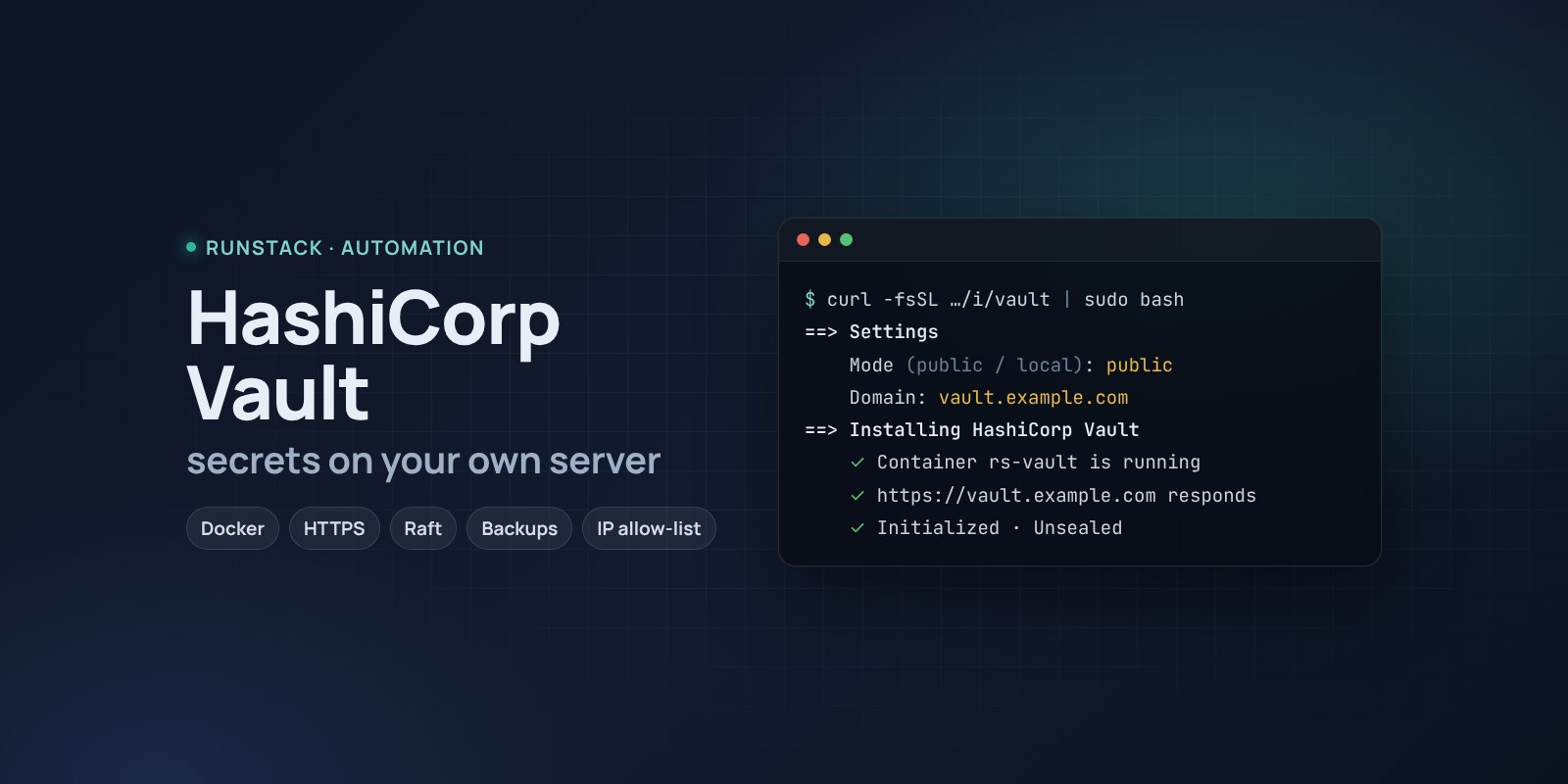
HashiCorp Vault — a secrets store on your own server
Vault in Docker with one command: HTTPS via Let's Encrypt, init, unseal, backups and access from your IPs only. Answer 3–5 questions and the service is ready.
 Ubuntu
 Debian
 Docker
Database passwords, tokens, API keys and certificates usually live wherever they landed: .env files, chats, wikis, people's heads. Vault keeps them in one place: access by policy, an audit trail of who read what, short-lived credentials instead of permanent ones.
Setting it up by hand usually takes a day or two: Docker, storage, TLS, initialization, unseal keys, backups. Here it is one command and a few questions.
What you get
- Vault 2.2.0 — the latest stable version. You can pick another one during install.
- Vault with its web UI on your own domain over HTTPS (Let's Encrypt certificate issued and renewed automatically), or on a server port behind your nginx/Traefik.
- Vault ready to use: initialized, unsealed, root token and keys in a protected file on the server.
- Reliable Raft storage: the same node can later grow into a cluster without moving data.
- Backups with one command — snapshots, the last 14 are kept.
- Access from your IPs only — office, VPN, your own server. Everyone else is blocked; change it any time.
- Hands-off upgrades: a snapshot before, unseal after.
- Installer in English or Russian — the first question.
Who it is for
- Teams whose secrets are scattered across
.envfiles and chats. - Anyone who wants their own Vault rather than a cloud one: data stays with you.
- CI/CD: GitLab, GitHub Actions, Jenkins and Kubernetes read secrets straight from Vault.
How to install
- Prepare a server with Ubuntu or Debian (requirements below). For HTTPS, point a domain's A record, e.g.
vault.example.com, at the server's IP. - Copy the command from the Download block — it appears after you sign in. It contains your personal token, valid for 12 hours.
- Run it on the server and answer the questions:
Language / Язык (en / ru) [en]: en
HashiCorp Vault version (latest stable: 2.2.0) [2.2.0]:
Mode: public — your domain with HTTPS (Let's Encrypt), local — a port on this server for your own proxy (public / local) [local]: public
Domain (its A record must point to this server): vault.example.com
Email for Let's Encrypt: admin@example.com
Allow only these IPs/subnets: 203.0.113.10, 10.20.0.0/16
Unseal Vault automatically after restarts? (yes/no) [no]: no
- Save the keys. At the end the installer shows the address, the root token and where the unseal keys are. Move the file to a password manager and delete it from the server:
rs vault forget-keys.
Before installing, the script checks the OS, resources, free ports and that the domain points at the server — before requesting a certificate, so Let's Encrypt rate limits are not wasted.
System requirements
| Minimum | Recommended | |
|---|---|---|
| OS | Ubuntu 22.04 / 24.04, Debian 12+ | Ubuntu 24.04 |
| CPU | 1 vCPU, amd64 or arm64 | 2 vCPU |
| Memory | 2 GB | 4 GB |
| Disk | 20 GB | 50 GB SSD |
- Root access (
sudo). - No need to install Docker first — it is installed from the official repository.
- Domain mode: an A record pointing at the server and free ports 80 and 443.
- Access to Docker Hub. If it is blocked, add a mirror:
RS_REGISTRY_MIRROR=https://mirror.gcr.io.
Two modes
| Mode | What you get | When to choose |
|---|---|---|
public | https://your-domain with a Let's Encrypt certificate | Vault is needed over the network and you have no proxy |
local | http://127.0.0.1:8200 or a port on all interfaces | You already run nginx/Traefik with TLS, or access is from the server only |
Day-to-day commands
rs vault status        state: running, sealed or not
rs vault unseal        unseal after a restart
rs vault backup        snapshot to /opt/runstack/vault/backups
rs vault upgrade [version]  snapshot → new version (default: the latest stable) → unseal
rs vault access "203.0.113.10, 10.0.0.0/8"   allow only these IPs (off — remove)
rs vault logs | restart | uninstall
Running the installer again is safe: data and keys are kept and Vault is not re-initialized. That is also how settings change — for example, moving from a port to a domain.
Security
- Unseal keys and the root token open every secret. Keep them off the server.
- The root token is for the initial setup only: create users and policies, then revoke it.
- Auto-unseal is handy for test environments: Vault comes back by itself after a reboot. But the keys then live on the same server — keep manual unseal for production.
- IP restriction works in the HTTPS proxy in domain mode and in Docker's firewall rules in port mode (plain
ufwdoes not protect Docker ports; this is handled).
FAQ
How much is it? The installer is free. Vault is a HashiCorp product under BSL 1.1: free to use inside your company.
No domain? Choose local: Vault listens on a server port, add HTTPS with your own proxy.
Can it run without questions, for automation? Yes: pass the settings as variables or a file and add --yes — see the Download block.
The token in the command expired? Open this page again — the command is refreshed.
Official Documentation
https://developer.hashicorp.com/vault